Caseload Missing Logs
Quick reference tiles appear across the top of the Dash by Relay service portal homepage. These tiles are meant to be informational for providers. Each tile has some functionality behind it.
The tile labeled "Caseload Missing Logs" displays a list of students on your caseload that have not received a documented service within the past 30, 60 or 90 days.
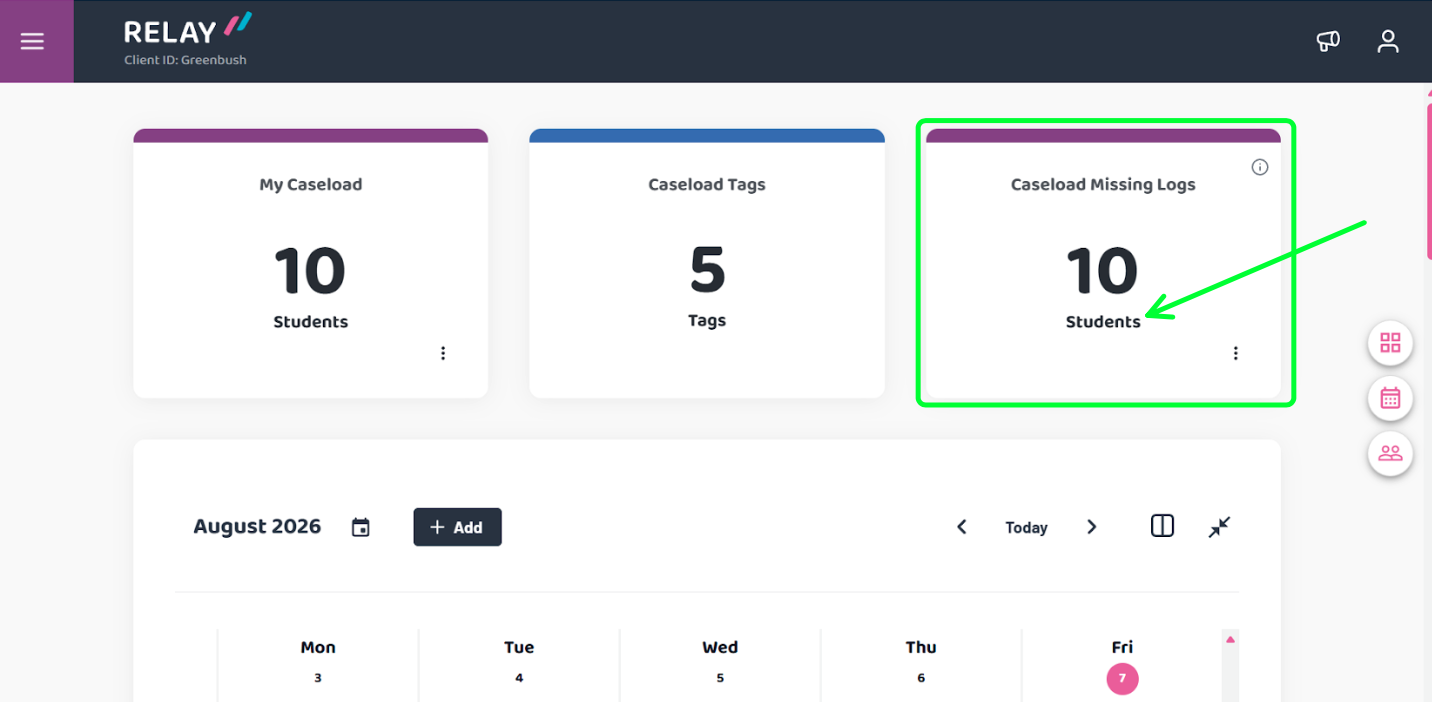
Clicking on the tile will allow you to see the list, select the student and document a service.
This tile does not currently limit information to the current school year. You may see students on the list you have not seen since last school year.
Removing students from your caseload will change the display.
Note: You may not need to take any action. Once you document a service on a listed student the number will update.